
A single one-time unlock enables every editor — no subscription, no ads. Open the Creation Tools menu from the main game and pick a tool. Each saves to your own content folder and overrides the world as you explore.

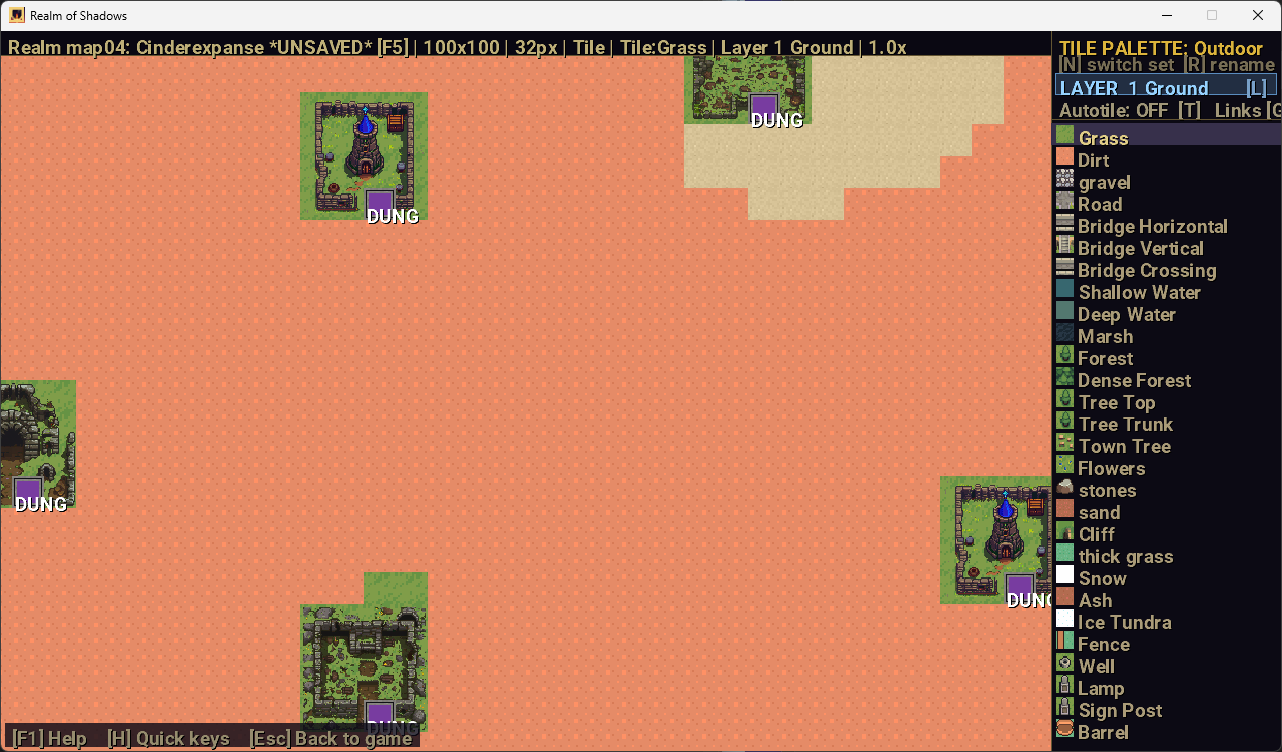
Paint two tile layers, place objects, encounters and spawn anchors, stamp fortified structures, and link maps together with edge stitching and entrances. Import your own tile sheets and save named custom maps and dungeons.
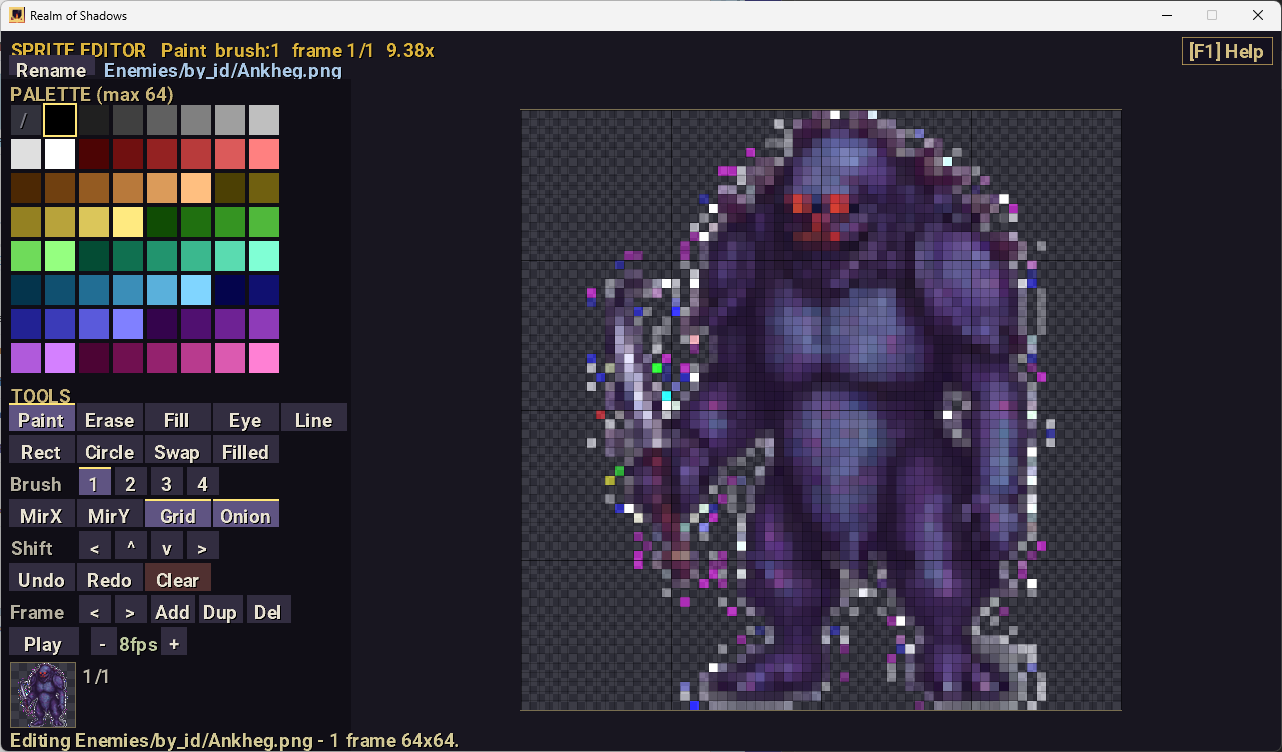
A full pixel editor: layered, onion-skin animation with a live preview and adjustable FPS, brushes and shape tools, mirroring, zoom, and square sprite-sheet export with an atlas. Your art overrides the built-in sprites instantly.
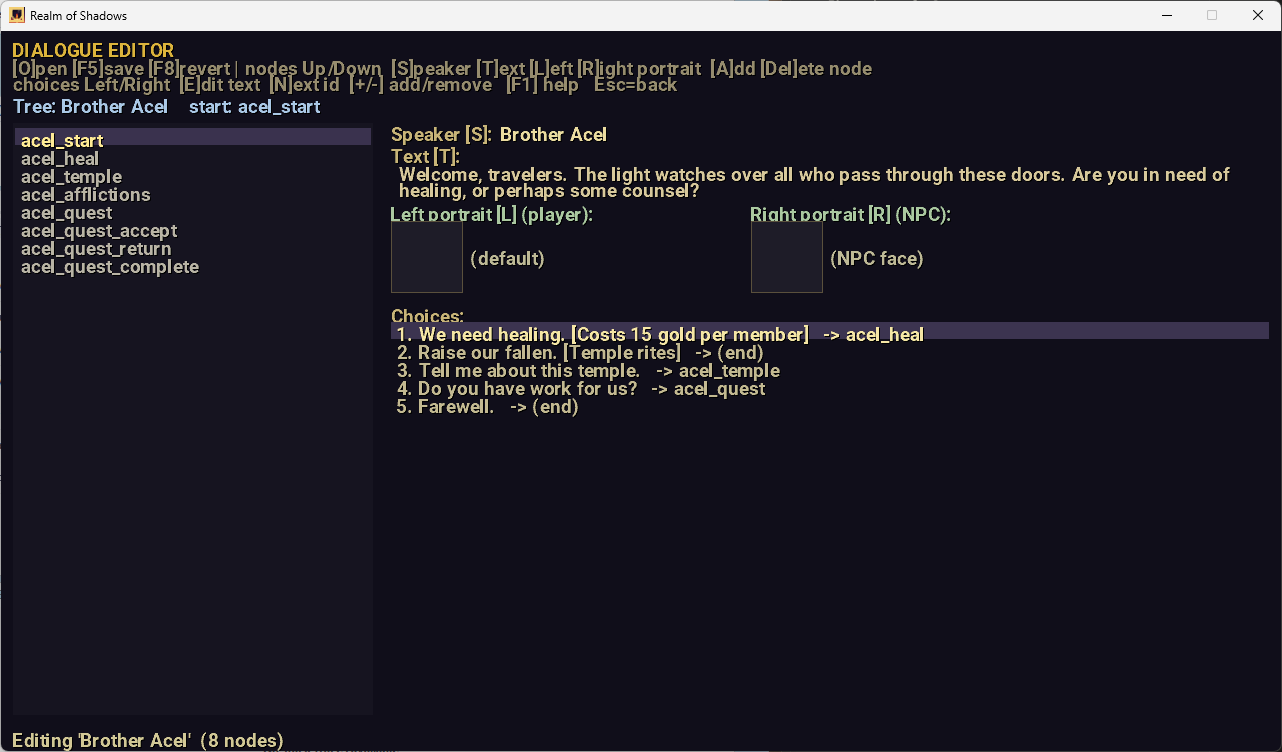
Author NPC dialogue with choices and left/right speaker portraits, then attach it to the people in your towns.
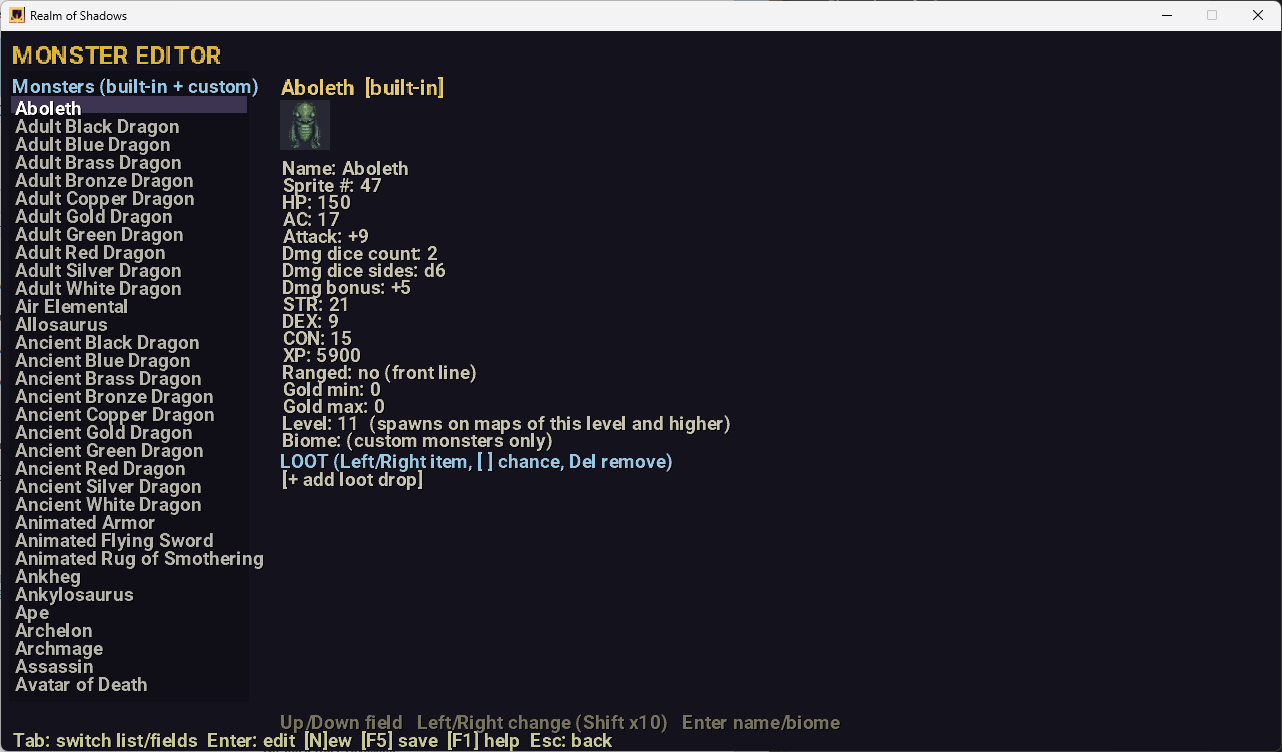
View and adjust the realm's monsters — stats, attacks and loot tables — and drop your own beasts into the world, with biome-based spawns.
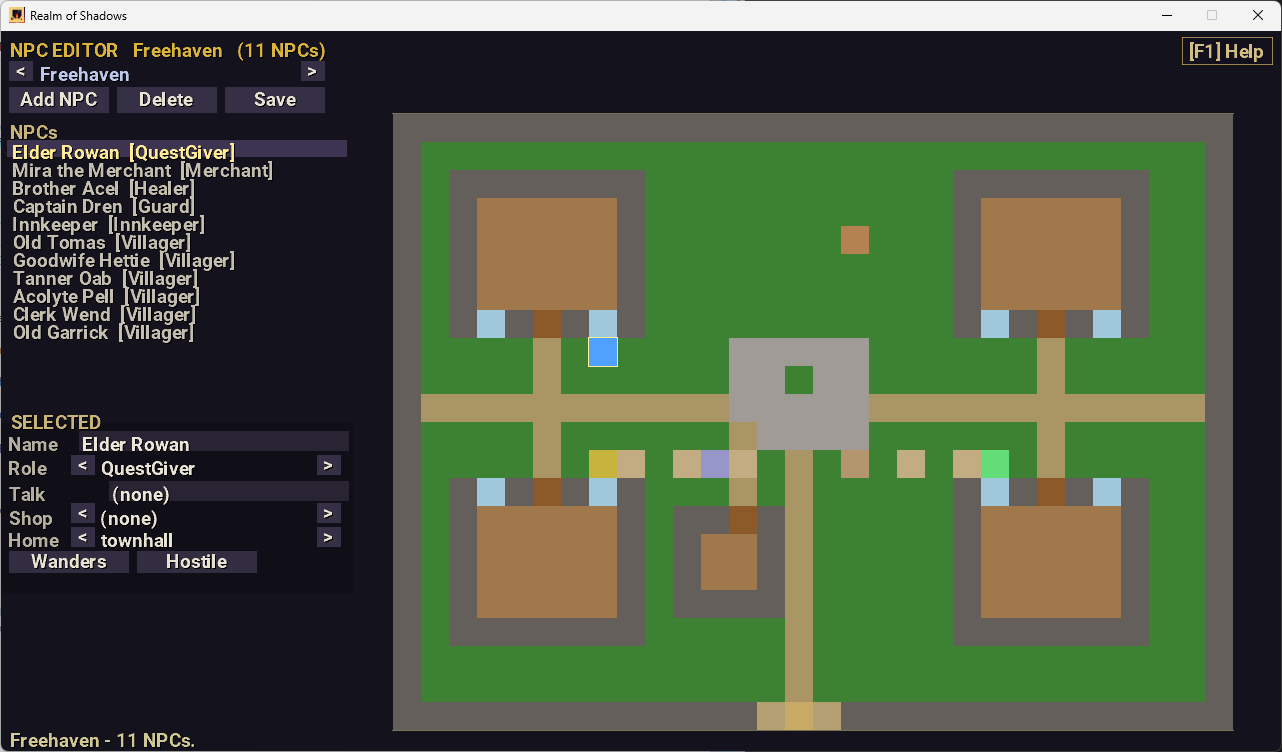
Add and edit the people in each town. Click the map to place them, then set their role, dialogue, linked shop, home building and behavior — wandering or hostile.
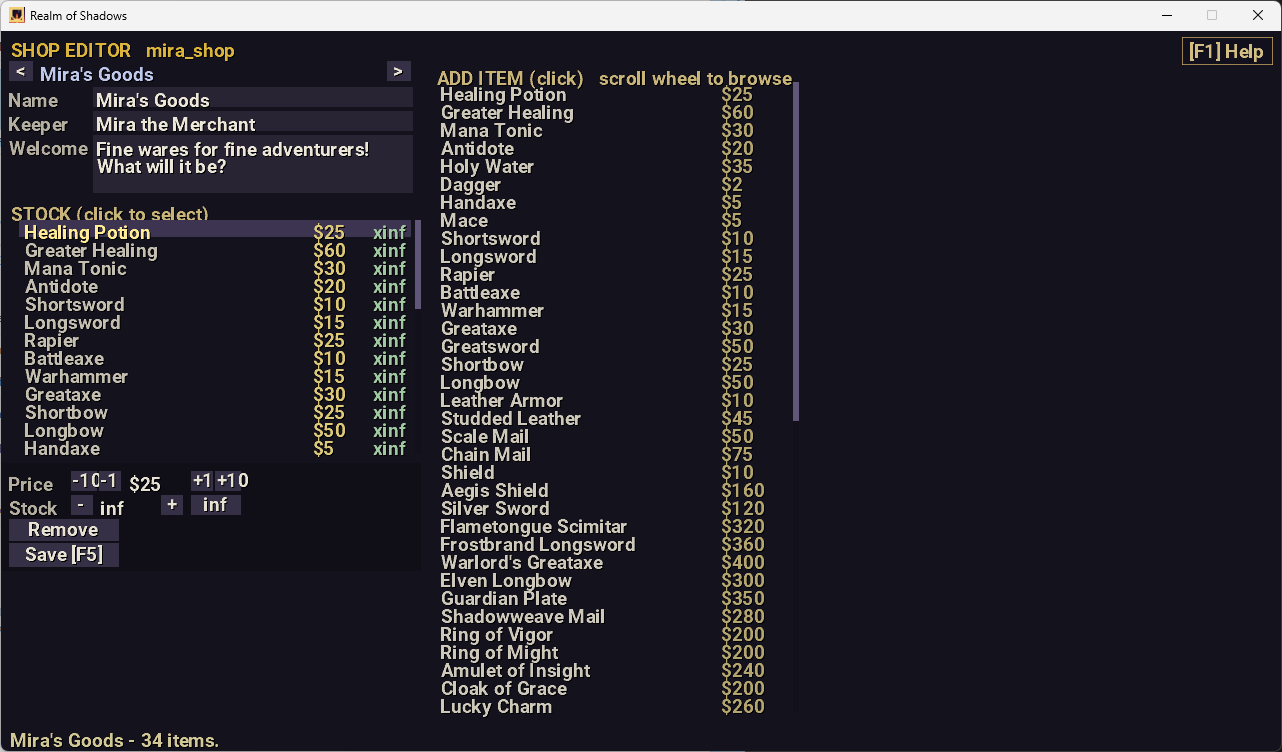
Decide what every shop sells. Add items from the catalog, set each one's price and stock, and rename the shop, its keeper and the welcome greeting.
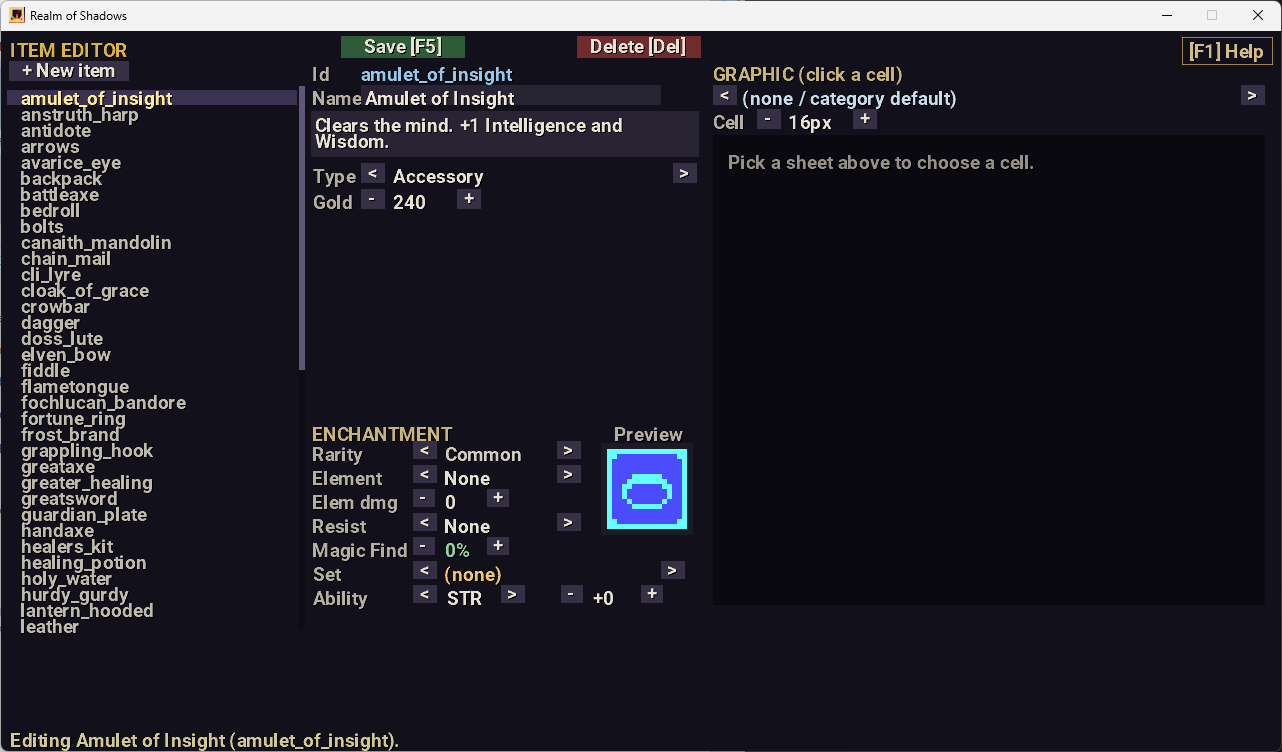
Build items from scratch: name, type, gold value and combat stats, plus full enchantments — rarity, elemental damage, resistances, set membership, magic find and ability bonuses. Pick the icon cell-by-cell from any sprite sheet, with a live preview.
Everything you create is saved to your own content folder and loads straight back into the game — design a map, then walk your party through it. The Creation Tools are a one-time unlock, in this version and every future update.
You create and override content with your own art, text and designs; the game's original built-in artwork and music can't be modified or exported.
Back to the realm › Realm of Shadows